Starting Your Podcast Journey
Podcasting offers an intimate way to connect with audiences, build authority, and grow your brand. With over 2 million podcasts, standing out requires quality content and professional production.
Planning Your Podcast
Define Your Concept
- Topic/Niche: What will you talk about?
- Target Audience: Who are you serving?
- Unique Angle: What makes you different?
- Format: Solo, interview, co-hosted, narrative?
- Episode Length: 20-60 minutes typical
- Release Schedule: Weekly, biweekly, daily?
Naming Your Podcast
- Clear and descriptive
- Easy to spell and remember
- SEO-friendly keywords
- Available domain name
- Unique in podcast directories
Equipment Essentials
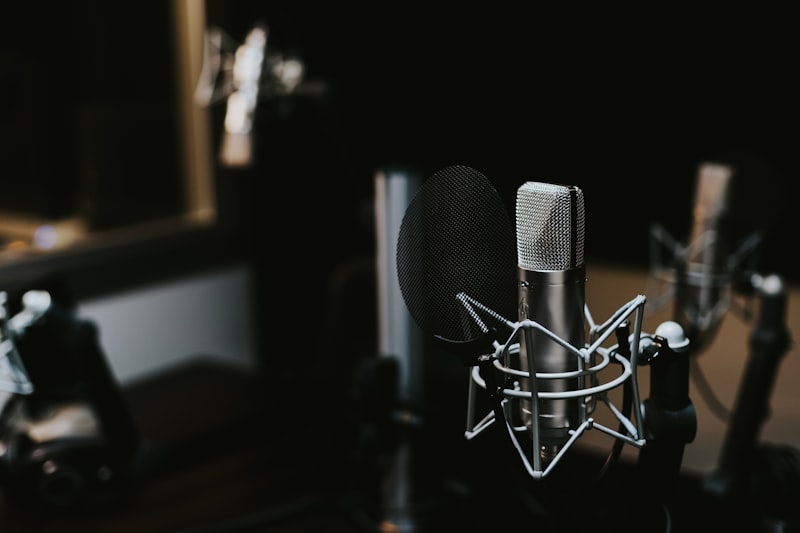
Microphones
USB Microphones (Beginner):
- Blue Yeti - versatile, affordable
- Audio-Technica ATR2100x - great value
- Rode NT-USB - professional quality
XLR Microphones (Professional):
- Shure SM7B - industry standard
- Rode PodMic - budget-friendly
- Electro-Voice RE20 - broadcast quality
Audio Interface
For XLR microphones:
- Focusrite Scarlett 2i2
- Behringer U-Phoria UMC202HD
- PreSonus AudioBox
Headphones
- Closed-back to prevent bleed
- Comfortable for long sessions
- Accurate sound reproduction
- Examples: Audio-Technica ATH-M50x, Sony MDR-7506
Recording Software
- Audacity: Free, cross-platform
- GarageBand: Free for Mac
- Adobe Audition: Professional editing
- Reaper: Affordable, powerful
- Riverside.fm: Remote recording
Recording Best Practices
Room Setup
- Quiet space away from noise
- Soft furnishings to reduce echo
- Acoustic treatment (foam panels)
- Consistent recording environment
Microphone Technique
- 4-6 inches from mic
- Speak across, not directly into mic
- Pop filter to reduce plosives
- Consistent distance and volume
Recording Settings
- Sample Rate: 44.1kHz or 48kHz
- Bit Depth: 24-bit
- Format: WAV for editing, MP3 for distribution
- Levels: Peak at -6dB to -3dB
Interview Preparation
Guest Research
- Study guest's background
- Prepare thoughtful questions
- Have conversation, not interrogation
- Listen actively and follow up
Remote Recording
- Use Riverside.fm or Zencastr
- Record local tracks for quality
- Test connection beforehand
- Have backup recording method
Editing Your Podcast
Basic Editing
- Remove long pauses and filler words
- Cut mistakes and false starts
- Trim beginning and end
- Add intro/outro music
- Insert sponsor messages
Audio Enhancement
- Noise Reduction: Remove background hum
- EQ: Enhance voice clarity
- Compression: Even out volume
- Normalization: Consistent loudness
- Limiting: Prevent clipping
Target Loudness
- -16 LUFS for most platforms
- -19 LUFS for Apple Podcasts
- Use loudness meter plugin
Podcast Artwork
- Size: 3000x3000px minimum
- Format: JPG or PNG, under 512KB
- Design: Clear, readable at small sizes
- Branding: Consistent with brand identity
- Text: Minimal, large, legible
Distribution & Hosting
Podcast Hosts
- Buzzsprout: Beginner-friendly
- Libsyn: Industry veteran
- Anchor: Free, Spotify-owned
- Transistor: Professional features
Directories
Submit to major platforms:
- Apple Podcasts
- Spotify
- Google Podcasts
- Amazon Music
- Stitcher
- iHeartRadio
Show Notes & SEO
- Episode summary
- Guest bio and links
- Timestamps for topics
- Resources mentioned
- Transcripts for accessibility and SEO
- Keywords for discoverability
Promotion Strategies
- Social Media: Audiograms and quotes
- Email List: Notify subscribers
- Guest Promotion: Guests share episode
- Cross-Promotion: Partner with other podcasts
- Paid Ads: Facebook, Instagram, podcast ads
- SEO: Optimize show notes and website
Monetization
- Sponsorships: Brand partnerships
- Affiliate Marketing: Commission on sales
- Premium Content: Patreon, membership
- Products/Services: Sell your offerings
- Live Events: Ticketed shows
Growing Your Audience
- Consistent publishing schedule
- High-quality, valuable content
- Engage with listeners
- Ask for reviews and ratings
- Collaborate with other podcasters
- Repurpose content across platforms
"Podcasting is the most intimate of all media." - Ira Glass